YouTube thumbnail templates
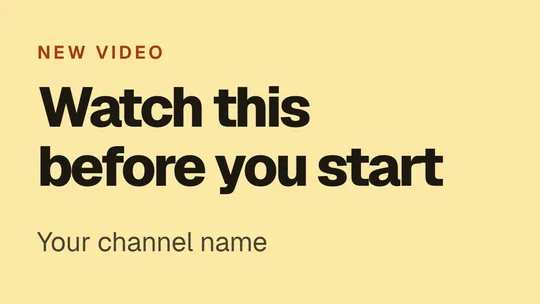
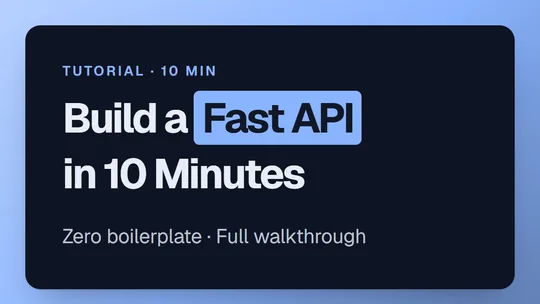
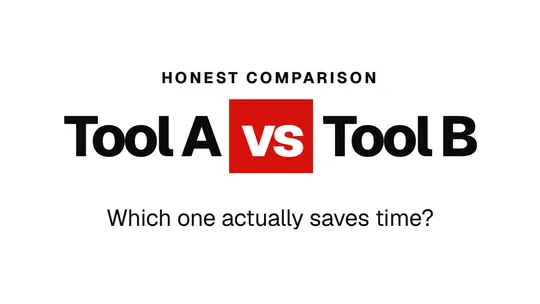
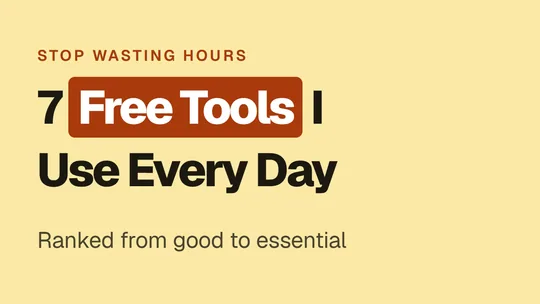
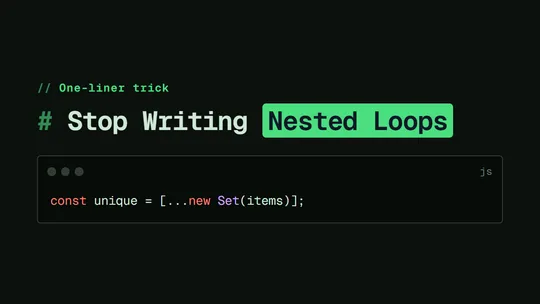
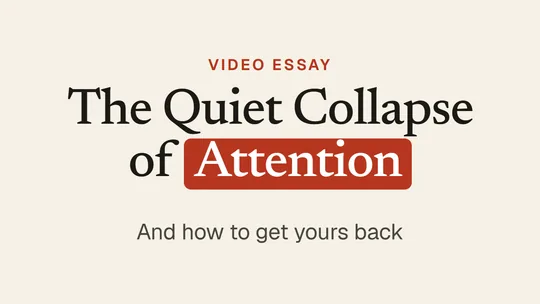
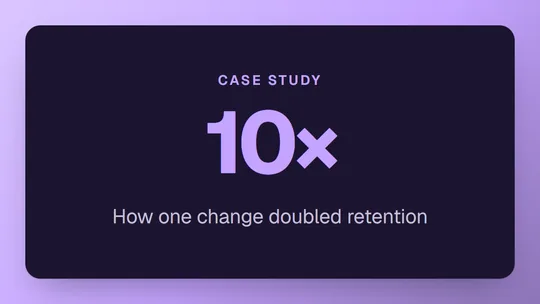
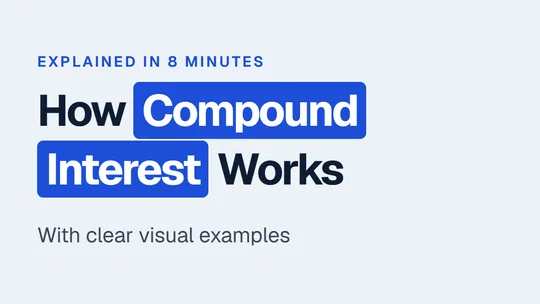
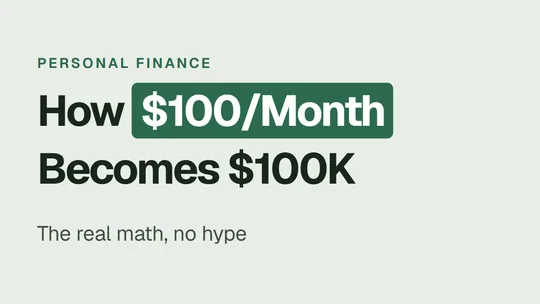
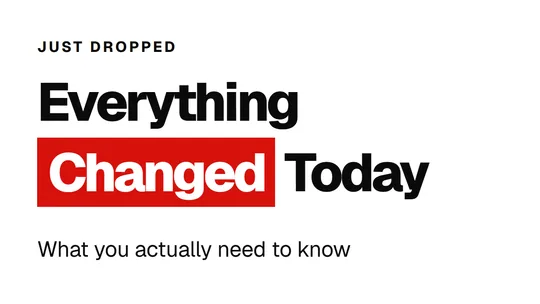
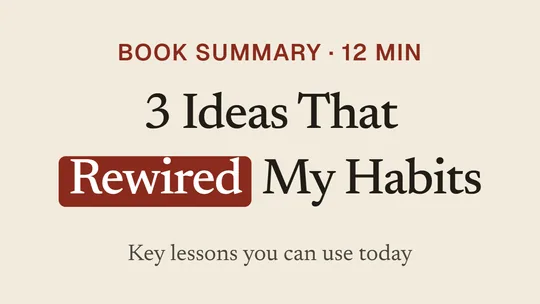
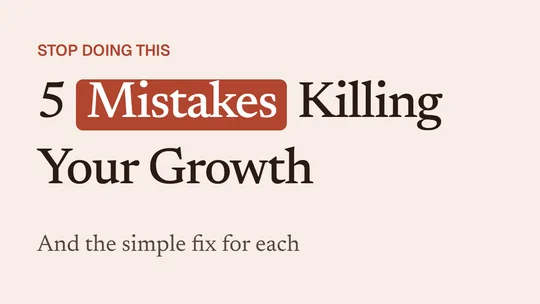
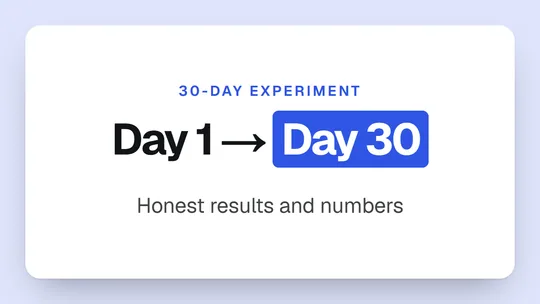
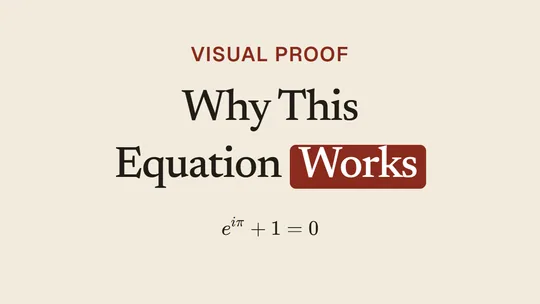
Bold 16:9 covers sized to YouTube’s exact 1280 × 720 recommendation at 2× (or 1920 × 1080 Full HD at 3×). Edit the headline, highlight a keyword with ==text==, or batch an entire series from a CSV. 18 templates; choose one to open it in the editor.
Quick answer
Choose any of the 18 YouTube thumbnail templates below — covering coding tutorials, AI workflows, math equations, finance, podcasts, video essays, book summaries, comparisons, mistake hooks, live streams and course chapters — to open a pre-sized 1280 × 720 (Wide 16:9 at 2×) canvas in MarkdownPic and export a crisp PNG or JPEG under 2 MB with zero watermark.
YouTube thumbnails
1280×720 covers for tutorials, podcasts, reviews and video essays.




Frequently asked questions
What size are these YouTube thumbnail templates?
Every template uses Wide 16:9, exporting at exactly 1280 × 720 pixels at 2× (YouTube’s official recommendation) or 1920 × 1080 Full HD at 3× for video title cards.
Are the exported PNG and JPEG thumbnails under YouTube’s 2 MB limit?
Yes. Clean typography thumbnails at 1280 × 720 typically export at 60–180 KB in PNG, well under YouTube’s 2 MB file-size limit.
Can I generate thumbnails for an entire YouTube playlist from a spreadsheet?
Yes. Add placeholders like {{episode}} and {{title}}, open Batch in the editor, paste rows from Google Sheets or CSV, and export up to 100 consistent thumbnails in one ZIP.
Can I keep my channel branding on every thumbnail automatically?
Yes. Save your channel name, handle and avatar once in Customize › My brand, and pin your favourite thumbnail template with the star button for one-click reuse.
Step by step: Exact image sizes for YouTube and social platforms.