Free Text-First YouTube Thumbnail Maker (1280 × 720)

MarkdownPicRestoring…
369 chars

Good ideas deserve a clear picture.

Turn notes, explanations, and useful discoveries into an image worth sharing.

Start with your words. The canvas takes care of the rest.

Make it yours

  1. Paste Markdown or open a file.
  2. Choose a size, a theme, and a typeface.
  3. Export a crisp PNG — ready to post.

Your work stays in this browser. No account needed.
Ready to export
Auto height · 1200 × 1240
100%

Free · Exact 1280 × 720 (16:9) · No watermark · Batch ready

Free Text-First YouTube Thumbnail Maker (1280 × 720)

Design clean, minimalist YouTube thumbnails, coding tutorial covers, podcast episode art and 16:9 video title cards straight from text or Markdown. MarkdownPic exports exact 1280 × 720 PNG or JPEG files at 2× (or 1920 × 1080 Full HD at 3×), well under YouTube’s 2 MB upload limit — locally in your browser with no sign-up and no watermark.

Start in the editor

Starter templates

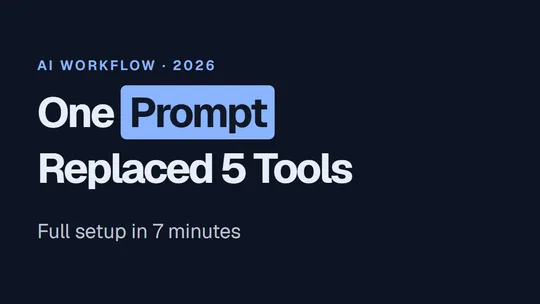
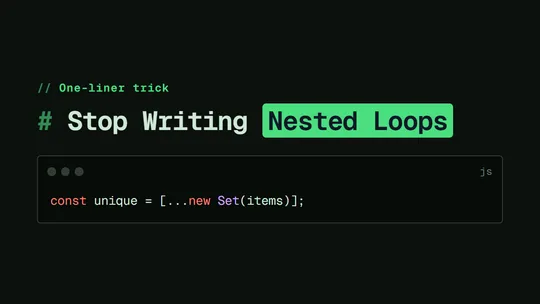
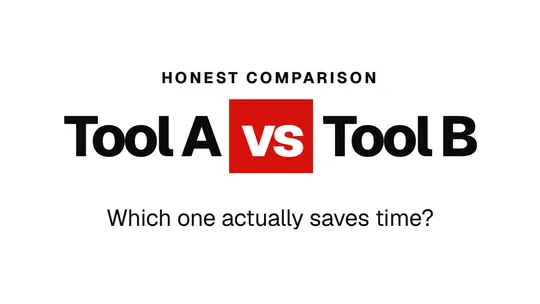
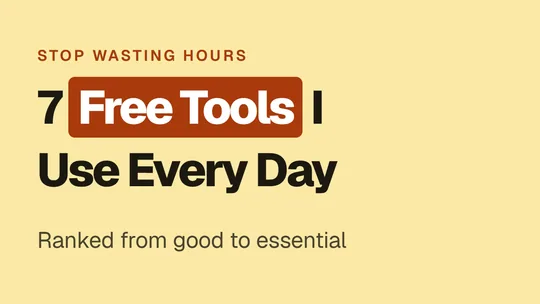
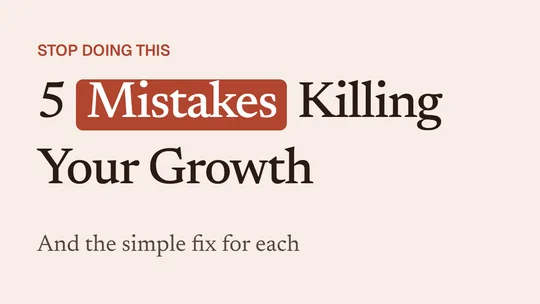
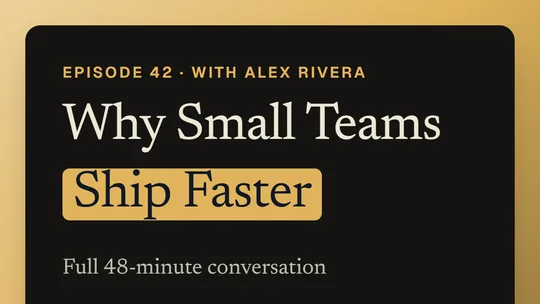
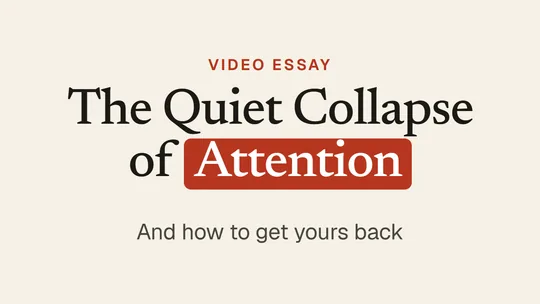
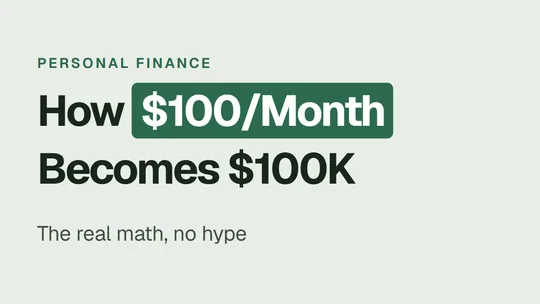
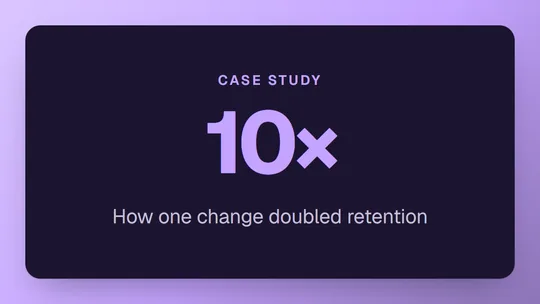
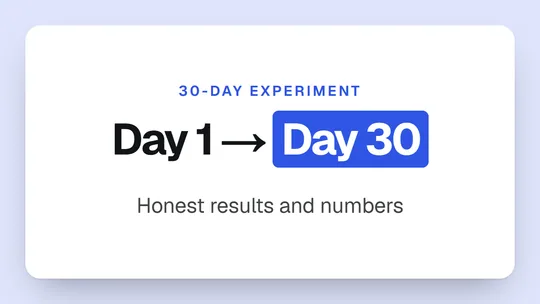
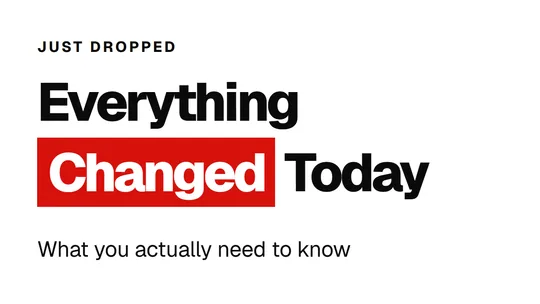
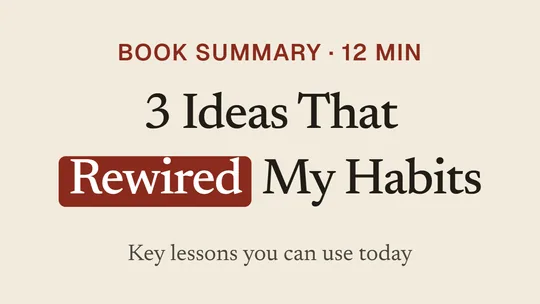
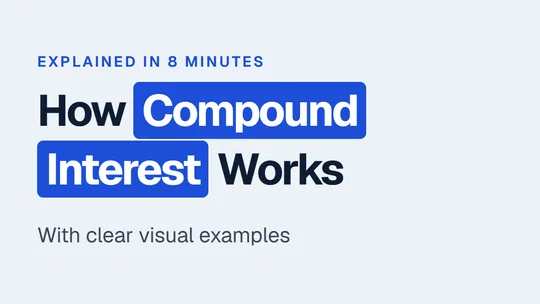
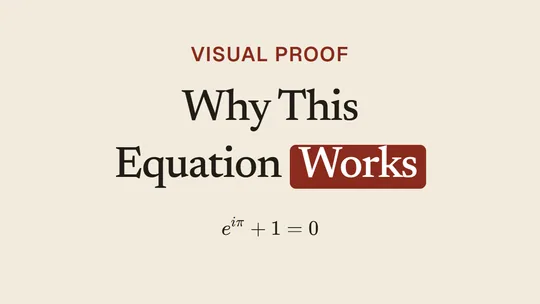
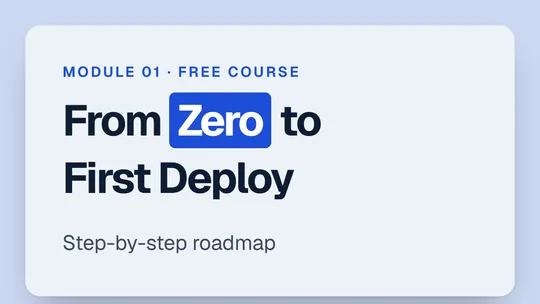
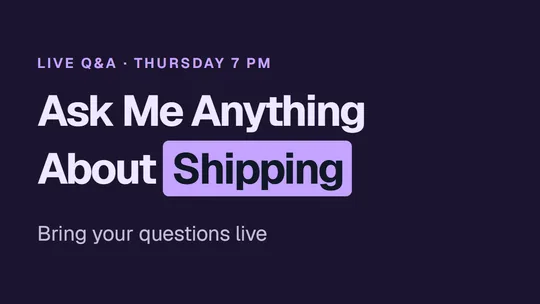
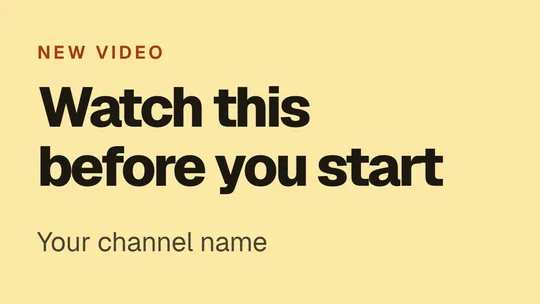
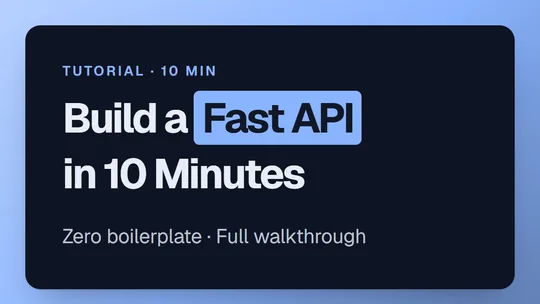
Click any 1280 × 720 template below to open it in the editor as a new project — every layout supports custom colors, fonts, screenshots and batch CSV generation.

How it works

  1. Write a punchy 3–6 word title. Use # for the main headline, ### above it for a short kicker tag (like Tutorial · 10 min), and ==highlight== to make the key phrase pop.
  2. Keep Wide 16:9 (1280 × 720) and pick a high-contrast theme. Choose Midnight, Citrus, Swiss, Noir or Terminal, add an optional gradient frame or drop a local screenshot/code snippet, and click Fit text to canvas if needed.
  3. Export 1280 × 720 PNG or JPEG — or batch an entire series. Click Export PNG (2× = 1280 × 720 px, 3× = 1920 × 1080 px), or open Batch to turn a CSV of episode titles into up to 100 matching thumbnails in one ZIP.

Why use MarkdownPic

Frequently asked questions

What is the exact YouTube thumbnail size and format?

YouTube recommends 1280 × 720 pixels (16:9 aspect ratio), at least 640 px wide, in PNG or JPEG format under 2 MB. MarkdownPic’s Wide 16:9 preset exports exactly 1280 × 720 at 2× resolution — and 1920 × 1080 Full HD at 3× for in-video title cards.

Can I make minimalist or faceless YouTube thumbnails without Canva or Photoshop?

Yes. Pick one of 12 high-contrast themes (Citrus, Swiss, Midnight, Noir, Terminal), type your headline, optionally highlight a keyword with ==word==, and export a crisp PNG in seconds with no drag-and-drop alignment.

How do I make sure thumbnail text stays readable on mobile phones?

Keep headlines to 3–6 bold words, use a high-contrast theme, click Fit text to canvas in Customize to maximize letter size, and avoid putting crucial text in the bottom-right corner where YouTube overlays the video duration badge.

Can I generate thumbnails for an entire YouTube playlist or podcast series at once?

Yes. Add placeholders like {{episode}} and {{title}} to your thumbnail Markdown, open the ··· menu › Create a batch from a table, paste your spreadsheet rows or CSV, and download up to 100 matching thumbnails as a ZIP.

Can I include a screenshot, product image or code snippet on a YouTube thumbnail?

Yes. Drag and drop or paste any local PNG, JPEG or WebP image directly into the editor, or insert a fenced code block or Mermaid diagram to create crisp technical tutorial thumbnails.

Is this YouTube thumbnail maker free without watermarks or sign-up?

Yes. MarkdownPic is completely free, requires no account, processes everything locally in your browser and never adds a watermark unless you choose to add your own.

Related guides, templates and tools